
This is Why Your Pinterest Isn’t Working & How to Fix
Struggling with Pinterest growth? Discover why your pins aren’t working and get easy fixes for photos, text, SEO, and pinning frequency to boost results.
What to Expect in This Article
Struggling with slow growth on your Pinterest account? You’re not alone. Many content creators and small business owners come to us frustrated, wondering why their Pinterest business account isn’t delivering business growth.
The common issue often boils down to a few fixable mistakes. Pinterest is unlike other social media platforms. Things like display issues, improper use of the site, or even the way Pinterest’s algorithm works, this guide uncovers common reasons people fail on Pinterest and offers step-by-step solutions to get your Pinterest pins popping.
Let’s dive into the best way to fix your Pinterest experience!
But first things first: Here’s a list of things you can expect to find in this article:
1. Why your Photos Aren’t Popping
Pinterest images that lack vibrancy are a common problem. Dull or poorly composed Pinterest graphics won’t grab Pinterest users on the home feed. Technical glitches like low-resolution uploads can worsen image display issues, making your great pin invisible.
Fix: Take bright, crisp (original) photos with good composition. Use tools like Lightroom to enhance Pinterest pin images. Ensure high-quality visuals align with Pinterest’s functionality to avoid glitches in rendering. On a mobile device, check your internet connection to prevent upload issues. For Android device users, open Pinterest via the Play Store to update to the latest version to avoid compatibility issues.
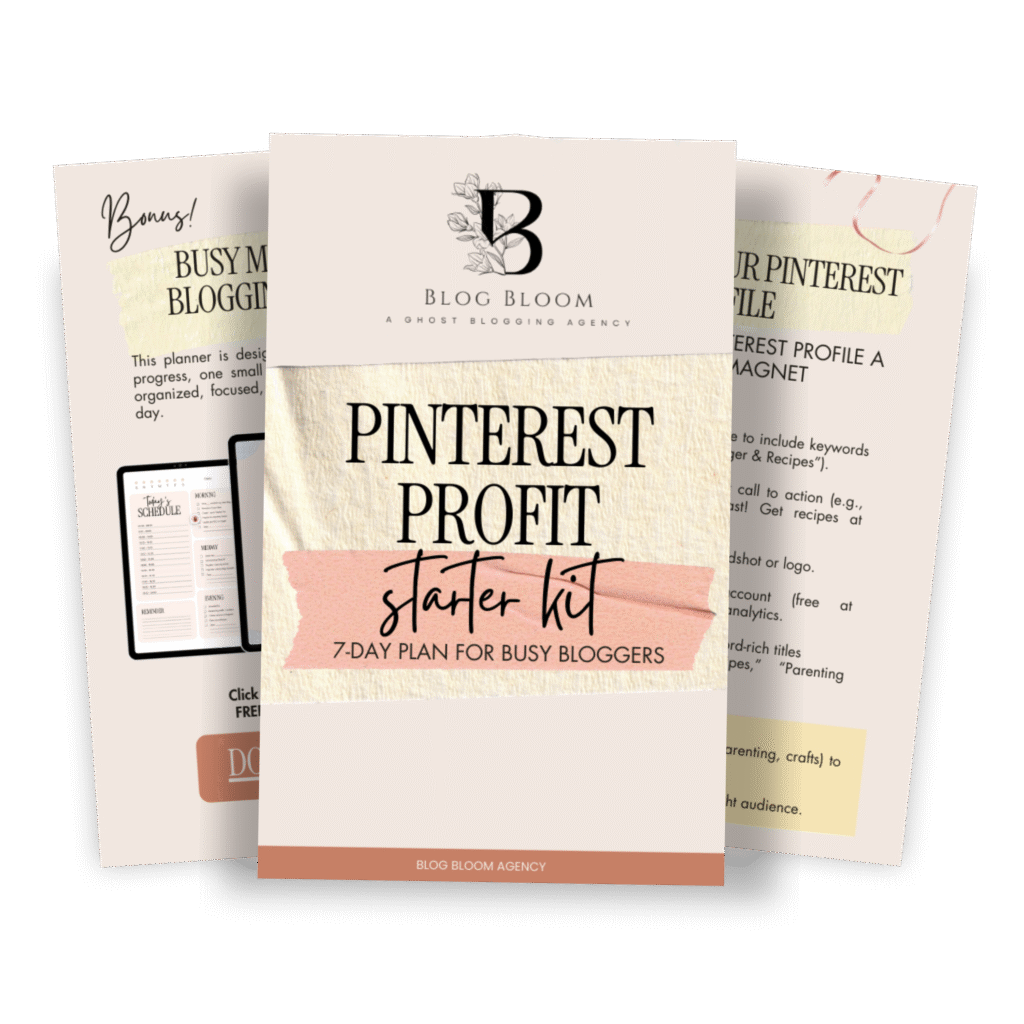
GET YOUR FREE
The Pinterest Profit Starter Kit
When you enter your name and email below
2. Why your Pin Text isn’t Legible
Illegible text on idea pins is a potential issue that hurts user experience. Cursive fonts or poor color contrast make pin descriptions hard to read, reducing click-throughs. Pinterest prioritizes clear, engaging pins, so text clarity is key.
Fix: Minimize cursive font use and choose easy-to-read fonts with high-contrast colors. For example, white text on a dark background pops. Review your account settings in the Pinterest app to ensure font size is mobile-friendly. If you notice a blank page or error message, clear your cache or reinstall Pinterest from the App Store to fix app crashes. This simple step makes a huge difference in pin performance.

3. Why Pinning Once a Week isn’t Enough
Pinning once a week or less is a common reason for slow growth. Pinterest’s algorithm rewards high-frequency pinning, especially for new accounts. Low activity limits your pinterest boards’ visibility on the home feed, stunting search experience.
Fix: Start with 1–2 pins/day for new accounts, scaling to 15 pins/day for established accounts. Use a Pinterest manager like Tailwind to schedule pins, ensuring 3-day intervals between same-URL pins to avoid content filters. Pinterest analytics helps track pin performance, guiding your pinning frequency. If Pinterest keeps showing notification issues, check available updates in the Play Store or App Store for a glitch-free experience.

4. Why you’re Missing Pinterest SEO
Neglecting Pinterest SEO is a major reason your pins don’t rank in search results. Without keyword-rich pin descriptions or titles, your content creator efforts miss potential customers. Pinterest search functionality relies on search queries, making SEO critical.
Fix: Type your pin’s topic into the search bar to see trending terms. For example, a food blog might use “easy vegan recipes” in pin titles and descriptions. Third-party tools like PinClicks can provide accurate data on search volume, but obviously Pinterest doesn’t guarantee the performance or conduct of any third parties, or their use of the content, so use your own judgment. If search engines don’t show your pins, disable browser extensions in Google Chrome or web browser that may cause technical issues. Contact Pinterest’s support team if search queries yield a blank page.

5. Why Expecting Overnight Results Hurts
Pinterest is a long game, not an electronic forum for instant success. Common reasons people fail include expecting results overnight. Pinterest’s algorithm takes 3–6 months to deliver evergreen traffic, unlike Facebook app or other social media channels.
Fix: Consistency is your best solution. Be patient and focus. Pinterest boards with fresh, high-quality pins build traffic over time. Review Pinterest analytics to see clicks and saves, adjusting pin descriptions for better engagement. If you face a suspended Pinterest account, check community guidelines via Pinterest support or community forums for possible solutions. Preventative measures like avoiding spam ensure long-term growth.

Bonus: Additional Fixes for Common Pinterest Issues
- App Crashes or Glitches: If the Pinterest app shows temporary glitches or minor glitches, power button restart your mobile device or perform a fresh install. Ensure software update compliance via Apple account or Google account settings.
- Profile Setup: If you’re a new Pinterest user, one possible solution you may have easily overlooked is your profile picture and bio in the top-right corner of the web app. A keyword-rich bio enhances Pinterest’s functionality, especially for a new account. Make sure you are using a business rather than a personal account.
- Login Issues: If Pinterest button clicks yield an error message, review account settings for email account accuracy. Clear cache or reinstall Pinterest to resolve login problems.
- Server Issues: If a Pinterest server causes a blank page, check internet connection or contact Pinterest’s support team for step-by-step solutions.

Take Control of your Pinterest Growth
The efficacy of any proposed solutions depends on consistent effort. Pinterest beginners can see huge difference by addressing image quality, text legibility, pinning frequency, SEO, and patience. Pinterest’s support team and community forums offer step-by-step solutions for technical glitches. Want a checklist to optimize your Pinterest business account?
Work with us to supercharge your pinning strategy and achieve business growth!
FAQs
Pinterest on autopilot?
Drive TARGETED traffic to your blog with our expert management and tailored growth strategies.
Get a FREE Pinterest audit below.
A word from us:
Hi, We’re Blog Bloom!
Do you feel that your blogging dreams are about creating a life with purpose, freedom, and fulfillment, yet in reality, some days it feels like drowning elegantly is the best you’ve got?
There are only so many hours in a day!
We know the feeling.
We’re here to help you remember how it feels not just to thrive financially, but to do it in a way that aligns with the life you want to live and the impact you want to make.
That’s our mission
We will personalize a strategy just for you, so you can get what you want out of blogging, and let us take care of everything else
We know every blog is unique, with its own distinct needs. There’s no one-size-fits-all path to success—your goals can be achieved in countless ways, and we’re here to tailor the perfect strategy for you.
- One-on-One Support: From eBook creation to social media management or running your Facebook community, we provide personalized help for all your unique needs.
- Branding That Fits You: If you have existing branding, we use it seamlessly to maintain your unique identity, or craft a tailored branding package if you need one.
- Pinterest-Powered Traffic: Our expert Pinterest management drives targeted visitors to your blog. Choose the package that best fits your blogging needs to skyrocket engagement.
- SEO Blog Writing: We create SEO-optimized blog posts and update existing content to boost search rankings and keep your audience engaged.


