WordPress vs Umbraco (Which CMS is Best?)
Compare Umbraco vs WordPress to find out which CMS suits your needs best in terms of flexibility, ease of use, and features.
Choosing the right content management system (CMS) is a critical decision for content creators, small businesses, and large enterprises aiming to establish a robust online presence. Two popular open-source CMS platforms, WordPress and Umbraco, stand out as powerful tools for building and managing websites, but they serve different needs and audiences.

What to Expect in This Article
In this article, we will focus on answering the question for someone like us: content creators or small business owners focused on blogging, content creation, and user-friendly tools. In our analysis, we will explore how WordPress and Umbraco stack up across seven key factors.
Here’s a list of things you can expect to find in this article:
1. Ease of Use
Ease of use is a critical factor for non-technical users, such as content creators and small business owners, who prioritize a user-friendly interface to manage web pages without technical expertise. WordPress is the preferred choice here, offering an intuitive dashboard that simplifies content creation. Its user-friendly dashboard allows content editors to publish blog posts, embed media, or add a contact form with minimal effort. The widespread adoption of WordPress, powering nearly 40% of all websites, stems from its accessibility, making it an excellent choice for those new to CMS platforms.
Umbraco, built on the .NET framework, offers a clean but more technical interface. While it’s still a friendly CMS, its learning curve is steeper, often requiring some technical knowledge to set up and manage Umbraco sites. For users without development skills, this can make Umbraco CMS feel less approachable compared to WordPress’s plug-and-play simplicity. For someone focused on blogging or managing an online store, WordPress’s straightforward setup is the best choice, while Umbraco may appeal to those with access to web developers for complex projects.

GET YOUR FREE
The Pinterest Profit Starter Kit
When you enter your name and email below
2. Customization and Flexibility
Customization is vital for tailoring websites to specific requirements, whether for content creators building blogging platforms or businesses launching complex websites. WordPress excels with its extensive plugin ecosystem, boasting over 50,000 third-party plugins and premium themes. This allows users to add advanced features like e-commerce (via WooCommerce), social media integration, or custom content types without heavy reliance on coding. WordPress websites can be transformed into virtually any format, from portfolios to online stores, making it a good option for small businesses and content creators seeking flexibility without custom development.
Umbraco shines in customization for complex sites, offering complete control over design and functionality through its .NET platform. It’s an ideal choice for large businesses or developers building bespoke Umbraco sites with specific needs, such as multilingual support or headless CMS setups. However, its customization often demands technical expertise, and its smaller ecosystem means fewer ready-made plugins compared to WordPress. For users prioritizing quick, accessible customization, WordPress remains the popular choice, while Umbraco suits those with resources for development work.
3. SEO (Search Engine Optimization)
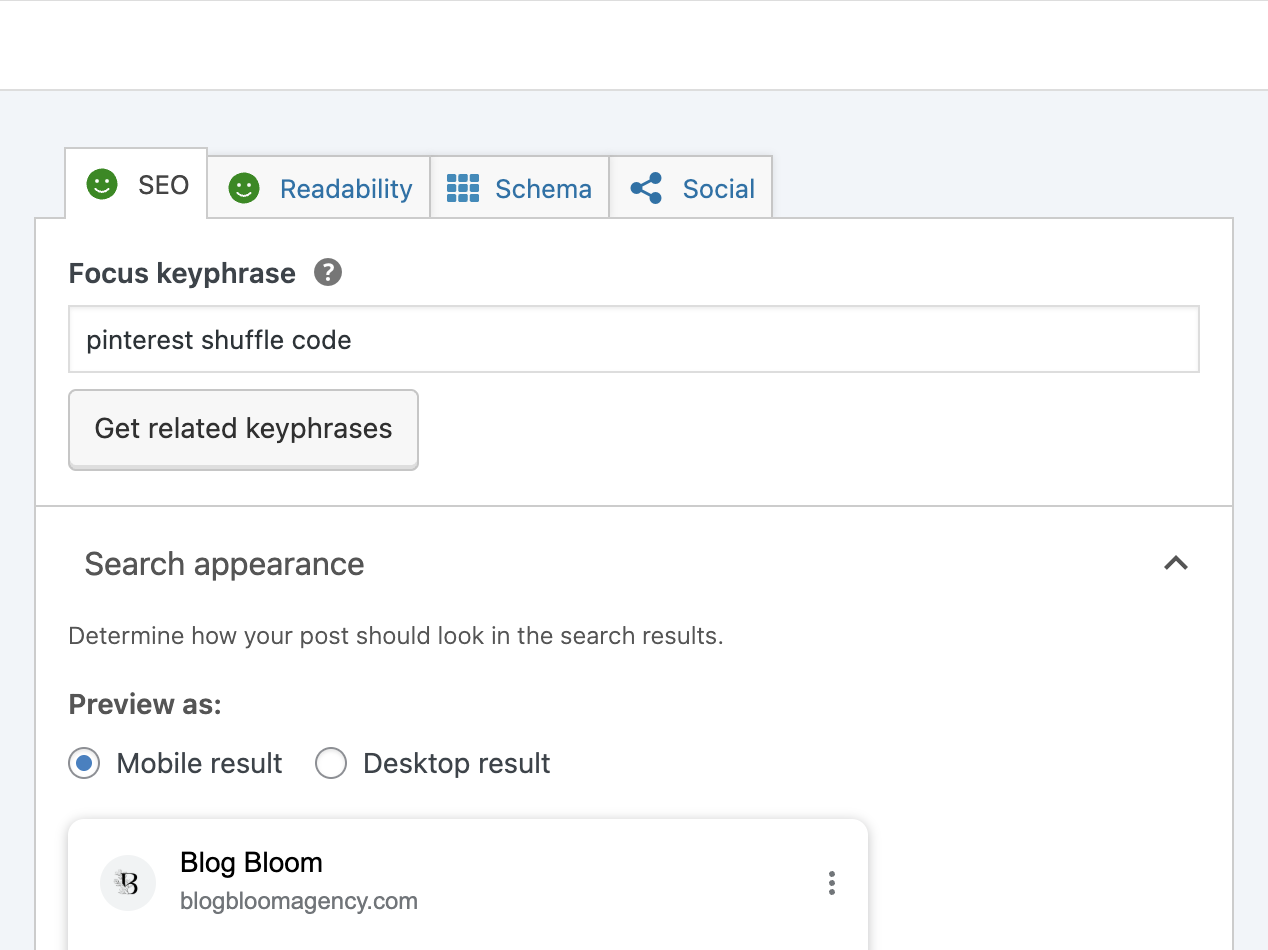
Ranking well on search engines is crucial for driving traffic to your online presence, especially for content creators and small businesses. WordPress offers superior SEO capabilities through additional plugins like Yoast SEO and Rank Math, which provide user-friendly tools to optimize web pages for keywords, meta tags, and schema markup. These built-in features make WordPress sites highly discoverable, an important factor for bloggers and businesses aiming to attract organic traffic.
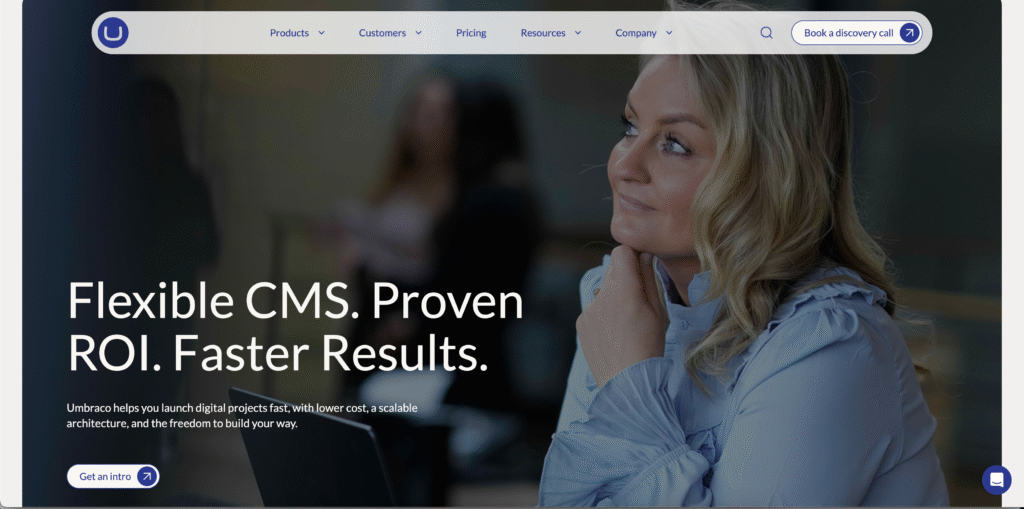
Umbraco supports basic SEO but lacks the extensive plugin library of WordPress. Achieving comparable SEO performance often requires custom development or third-party tools, which can be a hurdle for non-technical users. For someone focused on content creation, WordPress’s SEO tools are more accessible and make it the best CMS for boosting visibility without technical requirements.
4. Performance and Speed
Website performance is a key feature for user experience and search engine rankings. WordPress can deliver high performance when optimized with caching plugins (e.g., WP Rocket) and quality WordPress hosting. However, heavy reliance on third-party plugins or poorly coded premium themes can slow down WordPress websites, requiring best practices to maintain speed.
Umbraco, leveraging the .NET framework, is built for high performance, particularly for complex websites with heavy traffic. Umbraco sites often outperform WordPress in scalability, making Umbraco CMS a solid foundation for large businesses or data-driven platforms. For smaller blogging platforms or content-focused sites, WordPress’s performance is sufficient with proper management, but Umbraco’s efficiency is a good choice for those prioritizing speed and scalability.

5. Security
A secure platform is essential to protect against security vulnerabilities, especially for websites handling user data or transactions. WordPress, due to its widespread adoption, is a frequent target for hackers, but it remains secure with regular updates, security plugins like Wordfence, and best practices (e.g., strong passwords, code access security). Its open-source nature allows the WordPress community to quickly address security issues, ensuring a robust platform when maintained properly.
Umbraco, being less common, is a less attractive target and benefits from the .NET platform’s built-in security features. Its smaller reliance on third-party plugins reduces potential vulnerabilities, making it a secure platform for complex projects. Both CMS platforms are viable, but WordPress requires more vigilance, while Umbraco’s inherent security makes it a good option for those prioritizing a low-maintenance, secure CMS.

6. Community and Support
An active community is invaluable for troubleshooting, learning new features, and staying updated. The WordPress community is one of the largest, with countless tutorials, forums, and YouTube guides available. This large community makes it easy to find solutions, hire freelancers, or access community support, a critical factor for non-technical users and small businesses managing WordPress sites independently.
The Umbraco community, while passionate, is smaller and more developer-focused. Resources for Umbraco CMS are less abundant, and support often comes from professional agencies or Umbraco Cloud services, which may be costlier. For content creators or small businesses, WordPress’s extensive community support is the ideal choice, while Umbraco suits those with access to technical expertise.

7. Cost
Cost is a significant consideration for small businesses and content creators. WordPress is free as an open-source CMS, but expenses arise from WordPress hosting (~$5–$50/month), premium themes (~$30–$100), and additional plugins (~$10–$200/year). These costs can be kept low with shared hosting and free themes, making WordPress a budget-friendly option for blogging platforms or small online stores.
Umbraco is also free as an open-source content management system, but its .NET hosting is typically pricier, and custom development for Umbraco sites can increase costs. Umbraco Cloud offers managed hosting but adds subscription fees. For users with limited budgets, WordPress is the more affordable choice, while Umbraco suits those with resources for development work and long-term goals like complex websites.

8. Conclusion
Taking a closer look at WordPress and Umbraco reveals their strengths for different purposes. WordPress’s widespread adoption, intuitive dashboard, and SEO capabilities make it the ideal CMS for content creators and small businesses seeking a good option to establish an online presence quickly. Umbraco’s .NET framework, advanced features, and scalability position it as a solid foundation for large businesses and complex sites. By aligning your specific requirements—whether ease of use, customization, or performance—with these open-source platforms, you can choose the right CMS to meet your goals. For most content creators, WordPress’s accessibility and community support make it the best choice, ensuring a user-friendly, flexible platform to bring your vision to life.
FAQs
Pinterest on autopilot?
Drive TARGETED traffic to your blog with our expert management and tailored growth strategies.
Get a FREE Pinterest audit below.
A word from us:
Hi, We’re Blog Bloom!
Do you feel that your blogging dreams are about creating a life with purpose, freedom, and fulfillment, yet in reality, some days it feels like drowning elegantly is the best you’ve got?
There are only so many hours in a day!
We know the feeling.
We’re here to help you remember how it feels not just to thrive financially, but to do it in a way that aligns with the life you want to live and the impact you want to make.
That’s our mission
We will personalize a strategy just for you, so you can get what you want out of blogging, and let us take care of everything else
We know every blog is unique, with its own distinct needs. There’s no one-size-fits-all path to success—your goals can be achieved in countless ways, and we’re here to tailor the perfect strategy for you.
- One-on-One Support: From eBook creation to social media management or running your Facebook community, we provide personalized help for all your unique needs.
- Branding That Fits You: If you have existing branding, we use it seamlessly to maintain your unique identity, or craft a tailored branding package if you need one.
- Pinterest-Powered Traffic: Our expert Pinterest management drives targeted visitors to your blog. Choose the package that best fits your blogging needs to skyrocket engagement.
- SEO Blog Writing: We create SEO-optimized blog posts and update existing content to boost search rankings and keep your audience engaged.