Pinterest for Newbies: How to Guide for Beginners
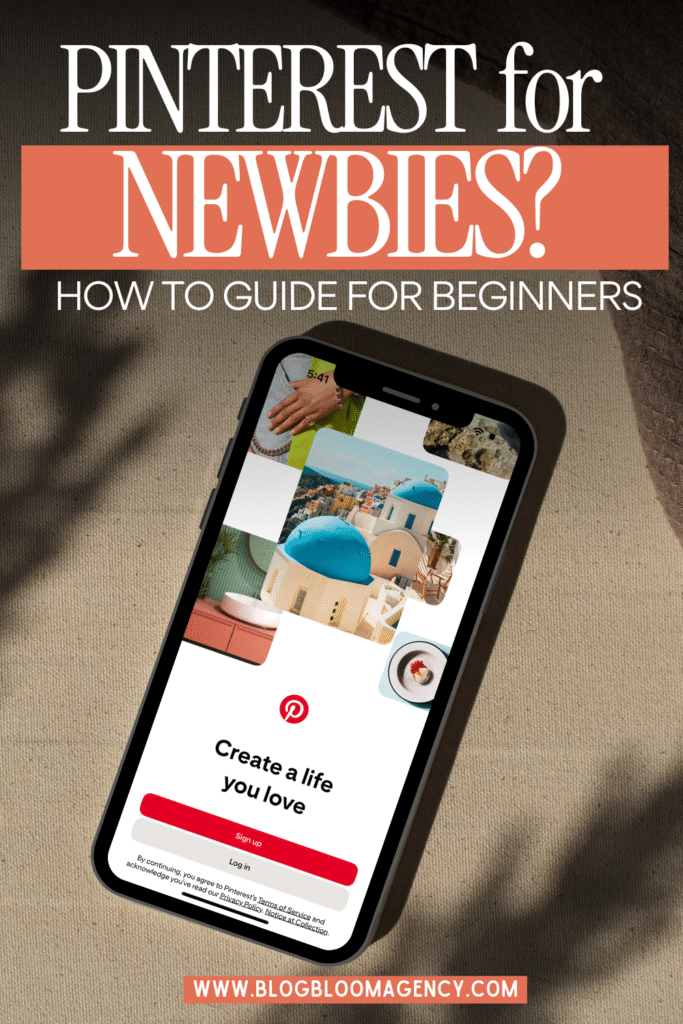
Pinterest for newbies? Our beginner’s guide shows you how to optimize your profile, create pins, and use SEO to grow your blog or business on this visual platform.
What to Expect in This Article
If I were starting over as a Pinterest beginner, I’d approach this social media platform with a clear, beginner-friendly marketing strategy. Pinterest isn’t just for personal use—it’s a visual discovery engine where small businesses, content creators, and new bloggers can shine. With monthly active users in the hundreds of millions, it’s a great place to reach your target audience and boost brand awareness.
This step-by-step guide shares the best way to set up your Pinterest account, create Pinterest pins, and grow your blog content or new business account.
Let’s dive into the easiest way to make Pinterest work for you!
But first things first: Here’s a list of things you can expect to find in this article:
Why Pinterest matters for beginners
Pinterest is a perfect place for small business owners, interior design enthusiasts, or home decor bloggers to connect with new people. Unlike other social media channels or social platforms, it’s a visual search engine where Pinterest users seek new content and inspiration, making it ideal for driving traffic to your own site. The algorithm works by prioritizing high-quality images and search engine optimization (SEO), ensuring your Pinterest content reaches potential customers. Whether you’re a content creator or managing a social media account for a successful business in a different sector, this comprehensive guide will help you navigate Pinterest marketing. No previous experience necessary.
Pro Tip: Before diving into Pinterest, have at least 10 SEO-optimized blog posts on your site to maximize traffic from your pins. This ensures valuable information for Pinterest users clicking through.
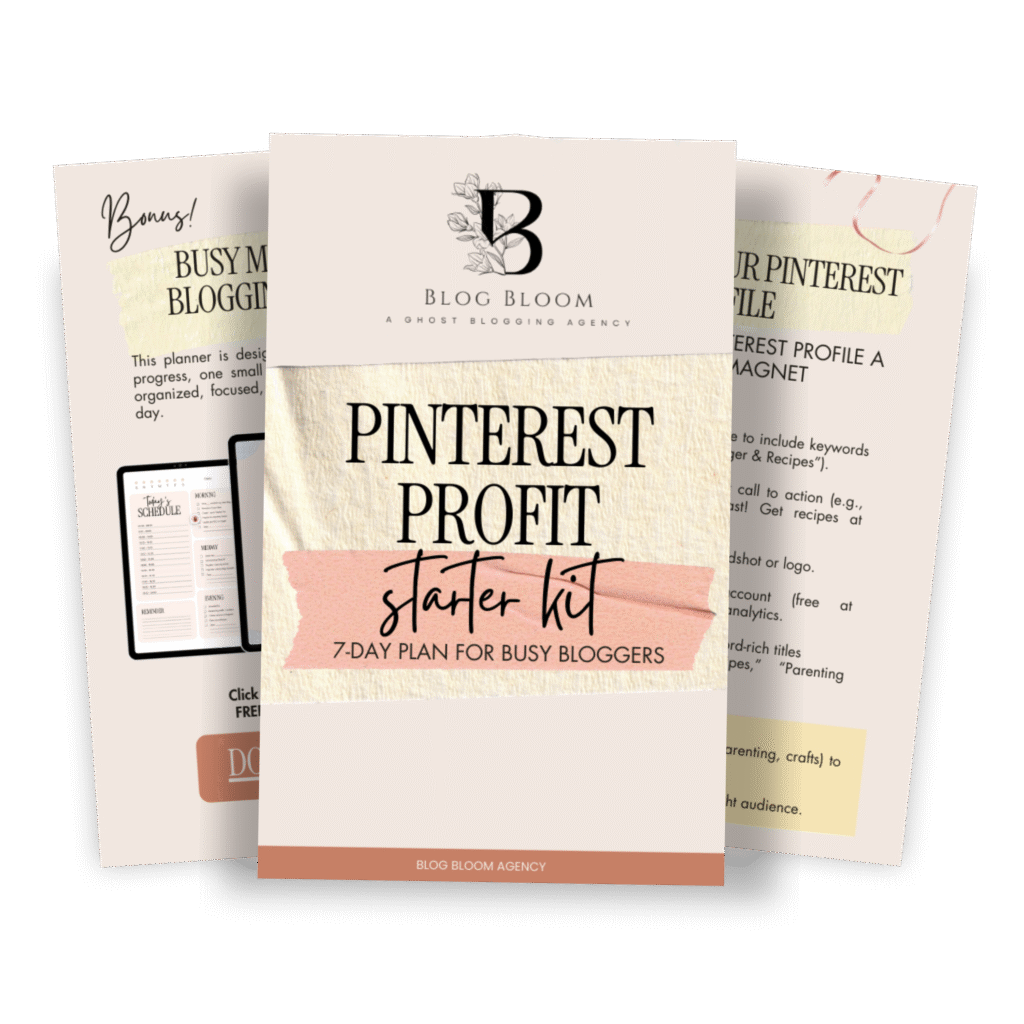
GET YOUR FREE
The Pinterest Profit Starter Kit
When you enter your name and email below
Step 1: Optimize your Profile
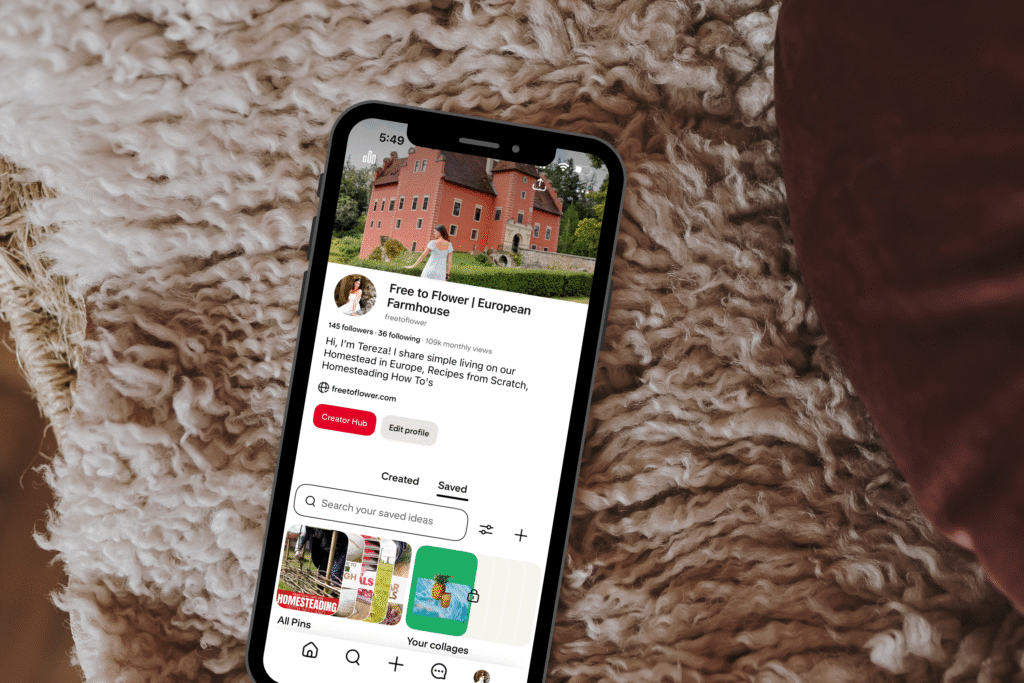
The first step is to create a Pinterest business account (or convert your personal account) and optimize your profile picture, display name, and basic information. Your Pinterest profile is searchable, so focus on Pinterest SEO by including keyword-rich descriptions relevant to your specific topic. For example, a travel blogger might use “budget travel tips and home decor ideas” in their bio, aligning with the main topics their target audience searches.
Include your brand name, email address, and a link to your site or YouTube channel. This builds brand awareness and directs new people to your blog content. Pinterest beginners should avoid generic bios: make it specific to your niche (think: interior design or small businesses).
Practical Tip: Use a high quality profile picture (e.g., your logo) and ensure your bio is under 160 characters for mobile-friendly display on the Pinterest app.
Step 2: Create 3–5 Boards
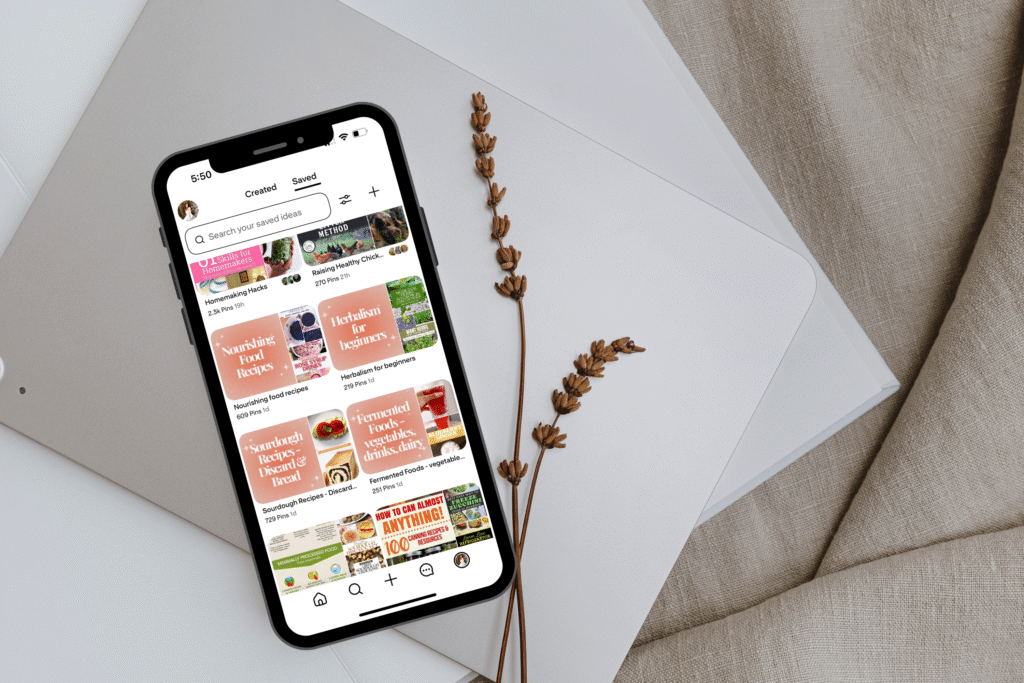
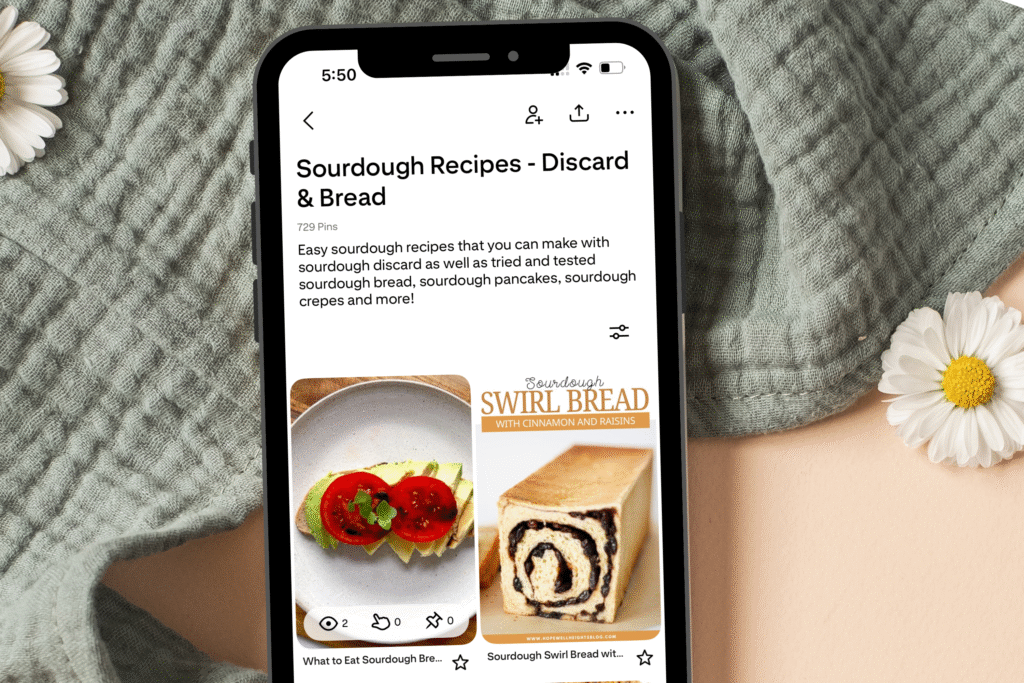
Start small with 3–5 themed boards to focus your pinning strategy. Pinterest users engage with relevant boards, so name them clearly, like “Home Decor Ideas” or “Travel Tips.” The goal is to pin to each board several times per week, ensuring a consistent presence on the home feed. Got old boards for personal use? Archive them via the drop-down menu to keep your own Pinterest boards tidy.
Secret boards are a great way to test new content before making them public. For small businesses, create board covers with high-quality images and uniform branding to enhance visual appeal. Group boards can also amplify reach—join ones in your niche to connect with new audiences.
Practical Tip: Pin related pin content from different places to diversify your themed boards, but it’s a good idea to ensure 50% are your own pins linking to your blog content.
Step 3: Write SEO-Optimized Board Descriptions
Each board needs a keyword-rich description to rank in search results. Use the search bar or tools like PinClicks to find relevant keywords. For a food blog, include terms like “easy recipes” or “healthy meals” in your board description. This Pinterest SEO tactic ensures Pinterest users find your relevant boards when searching for specific topics.
Avoid keyword stuffing—write natural descriptions (e.g., “Explore home decor and interior design inspiration for cozy spaces”). This boosts board visibility and attracts potential customers to your Pinterest pins.
Practical Tip: Keep descriptions under 500 characters and update them monthly to reflect trending keywords for better results.
Step 4: Do SEO Research for Pin Titles and Descriptions
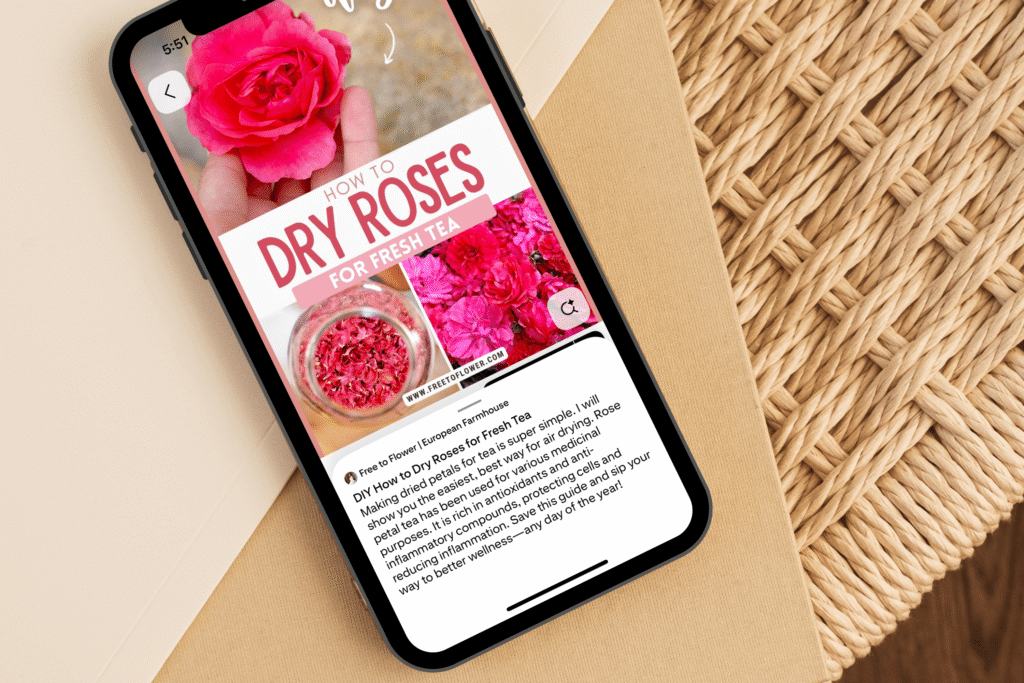
Your first pin sets the tone for your pinning strategy. Use Pinterest analytics or the visual search feature in the search bar to research keywords for pin titles and descriptions. For example, a travel blog might use “budget travel hacks” as a pin title and include long-tail keywords like “affordable vacation ideas” in the description. Tools like PinClicks reveal search volume, helping Pinterest beginners target the right place.
Rich pins (e.g., article pins, product pins) pull basic information from your own site, enhancing click-through rates. Ensure your blog content is SEO-optimized to support your Pinterest efforts.
Practical Tip: Write pin descriptions (100–200 characters) with a call to action like “Discover more!” to drive new people to your own content.
Step 5: Design Appealing Pins with Easy-to-Read Text
The Pinterest image is at the heart of your marketing efforts. Use high-quality images with a 2:3 aspect ratio (e.g., 1000×1500 pixels) for optimal display on the home feed. Avoid cursive fonts. Choose bold, readable text for text overlays (e.g., “5 Home Decor Tips”). Tools like Canva make creating original source images an easy way for new business accounts.
Small businesses should align pin designs with brand colors and logos to build brand awareness with their Pinterest strategy. Pinterest users prefer visually appealing own pins over generic stock images, so invest in custom visuals.
Practical Tip: Create 3–5 unique designs per blog post to test what resonates, using Pinterest analytics to track clicks and saves.
Step 6: Begin Pinning 1 Pin/Day
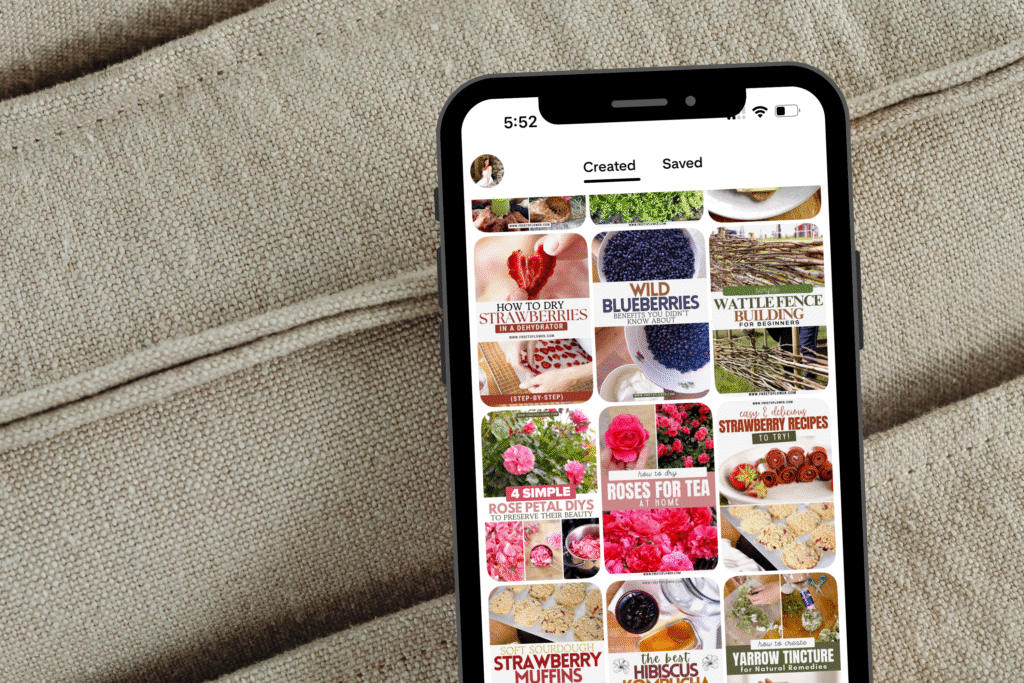
Start your pinning strategy with 1 pin/day, gradually increasing to 5 pins/day as you gain confidence. Never pin pins pointing to the same URL more often than every 3 days to avoid spam flags. This consistent approach ensures your new content appears on the home feed without overwhelming Pinterest users.
Use Tailwind or Pinterest’s scheduler to automate pinning, saving time for content creation. Small business owners can pin rich pins for new products, while bloggers focus on blog content. Group boards amplify reach, but prioritize personal boards for brand control.
Practical Tip: Schedule pins for peak times (e.g., evenings) using Pinterest analytics to maximize engagement with new audiences.

Additional Tips for Pinterest Success
Pinterest is a social media channel where content creators thrive by curating Pinterest content that inspires. Here’s how to take your pinning strategy to the next level:
- Leverage Pinterest Analytics: Track clicks, saves, and impressions to see which own pins perform best. Adjust pin titles or descriptions for better results.
- Create a YouTube Video: Summarize your blog content in a YouTube channel video, linking to your Pinterest pins for cross-platform traffic.
- Use Rich Pins: Enable rich pins for blog posts, products, or recipes to pull valuable information from your own site, enhancing click-throughs.
- Join Group Boards: Find group boards in your niche (e.g., home decor) to reach a wider audience, but ensure your own pins dominate your personal boards.
- Optimize for Mobile: Most Pinterest users access Pinterest via the app, so ensure Pinterest pin images are mobile-friendly with clear text.

Common Mistakes to Avoid
- Keyword Stuffing: Overusing keywords in pin descriptions or board descriptions risks spam flags. Keep it natural.
- Low-Quality Images: Avoid blurry or generic Pinterest images. Invest in original images for better engagement.
- Inconsistent Pinning: Sporadic pinning reduces home feed visibility. Use Tailwind for a consistent schedule.
- Ignoring Analytics: Pinterest analytics reveal what kind of content works. Neglecting them limits your marketing efforts.
What Now?
The next step is to experiment with new content and pin designs. Track Pinterest analytics to refine your pinning strategy, focusing on clicks to your site. Create a YouTube video to cross-promote your Pinterest pins, driving traffic from different places. Join group boards to reach a wider audience, but prioritize personal boards for brand control.
Pinterest is a long-term investment for small businesses and content creators. By optimizing your Pinterest business account, creating high-quality own pins, and leveraging Pinterest SEO, you’ll see your blog’s traffic and brand awareness soar.
FAQs
Pinterest on autopilot?
Drive TARGETED traffic to your blog with our expert management and tailored growth strategies.
Get a FREE Pinterest audit below.
A word from us:
Hi, We’re Blog Bloom!
Do you feel that your blogging dreams are about creating a life with purpose, freedom, and fulfillment, yet in reality, some days it feels like drowning elegantly is the best you’ve got?
There are only so many hours in a day!
We know the feeling.
We’re here to help you remember how it feels not just to thrive financially, but to do it in a way that aligns with the life you want to live and the impact you want to make.
That’s our mission
We will personalize a strategy just for you, so you can get what you want out of blogging, and let us take care of everything else
We know every blog is unique, with its own distinct needs. There’s no one-size-fits-all path to success—your goals can be achieved in countless ways, and we’re here to tailor the perfect strategy for you.
- One-on-One Support: From eBook creation to social media management or running your Facebook community, we provide personalized help for all your unique needs.
- Branding That Fits You: If you have existing branding, we use it seamlessly to maintain your unique identity, or craft a tailored branding package if you need one.
- Pinterest-Powered Traffic: Our expert Pinterest management drives targeted visitors to your blog. Choose the package that best fits your blogging needs to skyrocket engagement.
- SEO Blog Writing: We create SEO-optimized blog posts and update existing content to boost search rankings and keep your audience engaged.